Project enquiries
Qualify a new project with a short call and a few useful questions.
Scheduling for freelancers
Give new and existing clients a clear way to book time while you stay focused on the work they hired you to do.
Create this booking page freeFree during early access · No credit card required
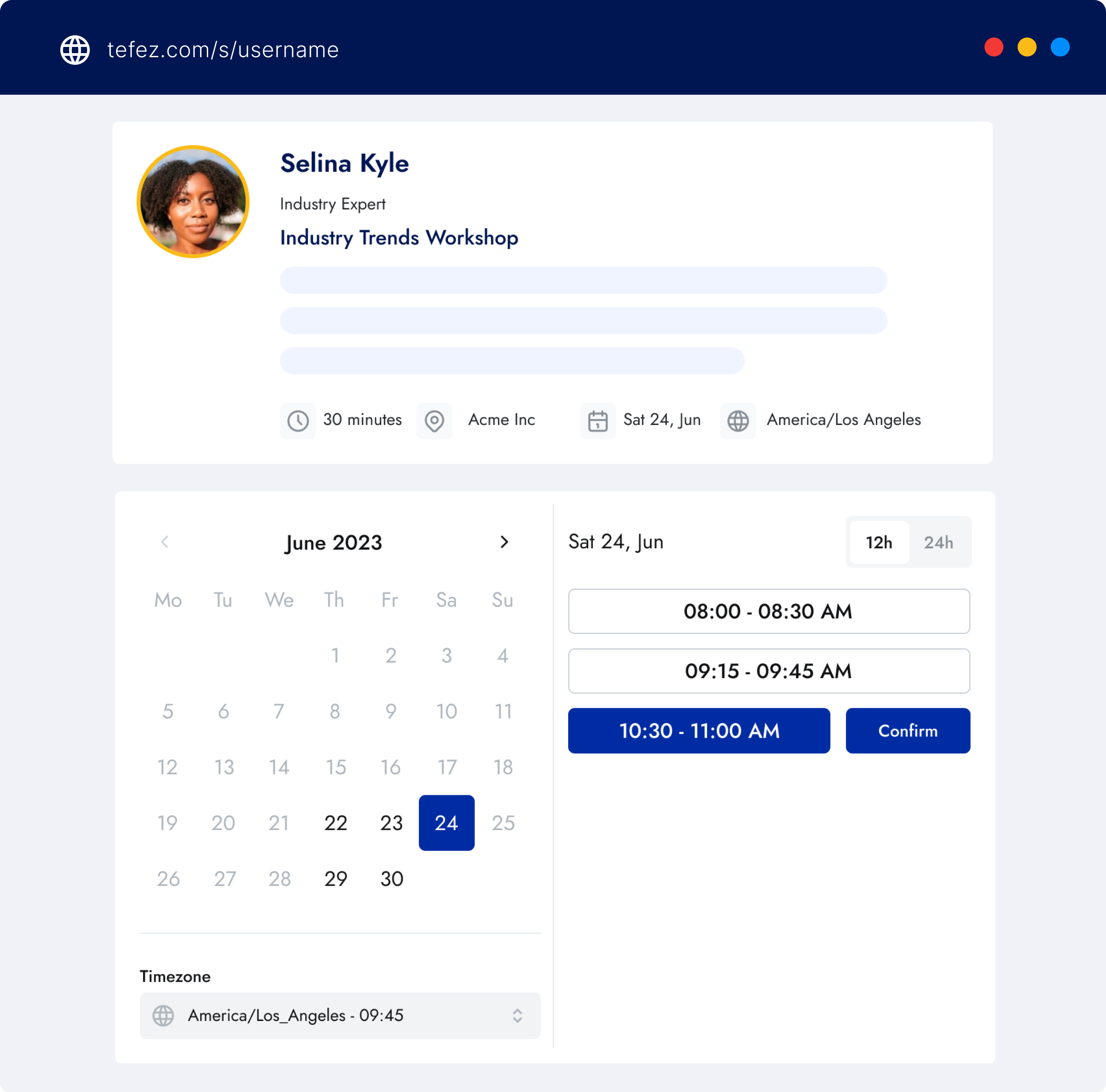
Product proof
Tailor the page, collect a project brief, control your available hours, and keep appointment changes organized.
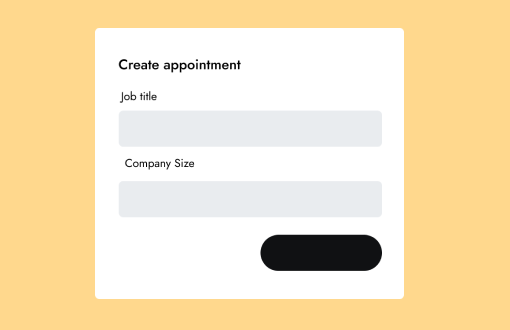
Where it fits
Qualify a new project with a short call and a few useful questions.
Give an approved client a dedicated link for the first working session.
Offer structured feedback calls without manually comparing calendars.
How it works
Start from a discovery-call template and rewrite it in your own voice.
Collect goals, links, or project background before the calendar invitation exists.
Set availability and breaks that preserve uninterrupted production time.
A focused first conversation to understand your goals and decide whether we are a good fit.
You review the details and availability before publishing.
Clear boundaries
Product questions
Yes. Every active event has a public URL you can add to your site, profile, or email.
Yes. Confirmation emails include a secure link for rescheduling or cancellation.
No. Tefez is free during early access and does not require a credit card.
Editorial owner: Tefez product team · Last updated 2026-07-16