Getting started guide
Tefez help center
Build a booking page people can use with confidence.
Product-checked guides for creating, testing, and styling a Tefez event.
Browse the guides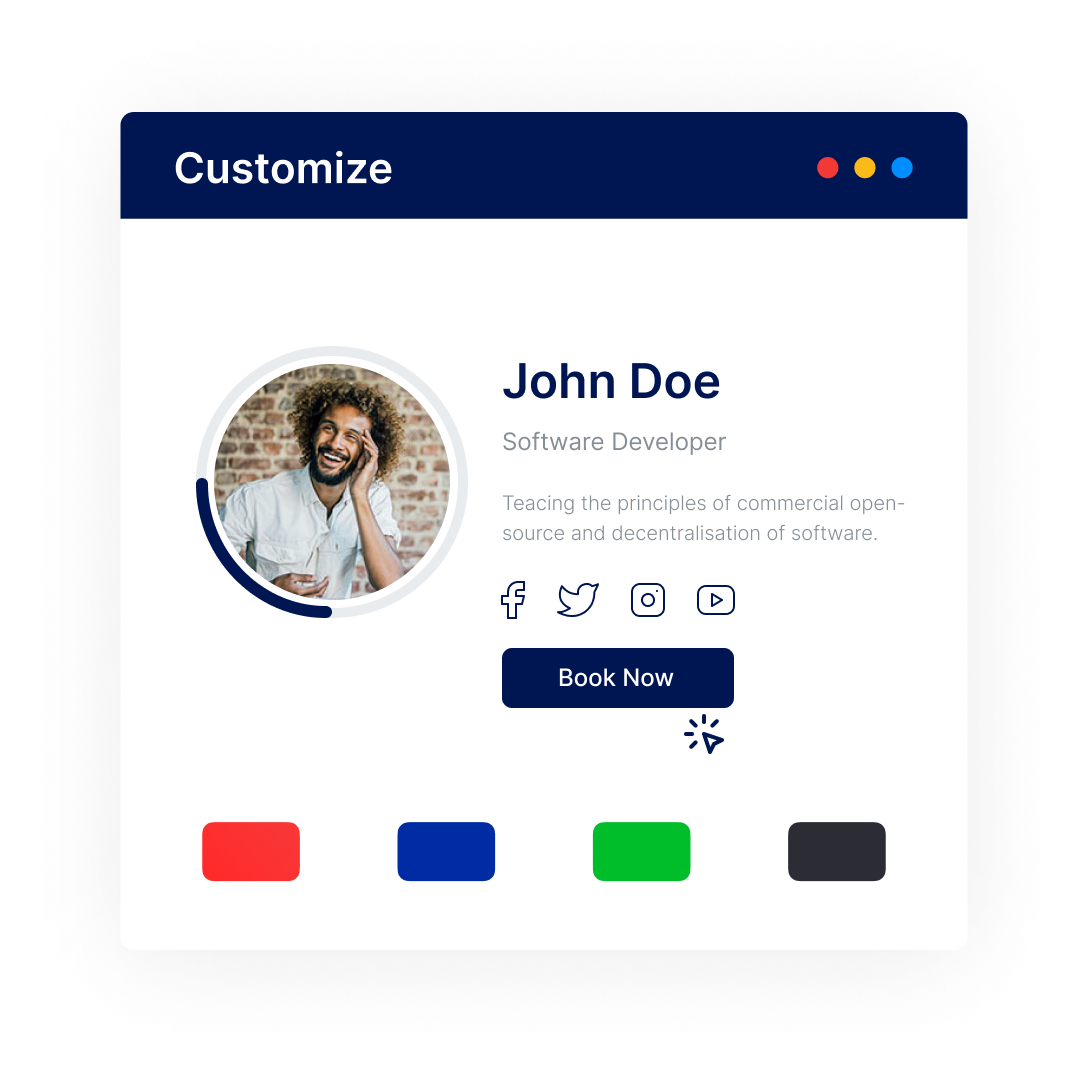
Every guide is reviewed against the current product flow.
Clear steps Real screenshots Honest limitations
Getting started
Three guides for the complete first-event workflow.
Booking page design guide
Apply a theme to your booking page.
Open a Tefez event page, choose a predefined theme, preview the booking experience, and save the new event-page style.Updated 2026-07-16Theme reference
Choose a booking page theme that fits the appointment.
Preview the Default, Health, Fitness, Nutrition, Sales, Consulting, Recruiting, Education, Legal, Real Estate, and Mentoring themes in Tefez.Updated 2026-07-16Need help with an account or appointment?
Contact support