Theme reference
Choose a booking page theme that fits the appointment.
A visual reference for every predefined theme currently available in the Tefez event-page customizer.
Before you start
Theme names are starting points, not rules. Choose the most readable option for your content and test it with a real event description.
All predefined themes
Preview the visual system, then test it with your content.
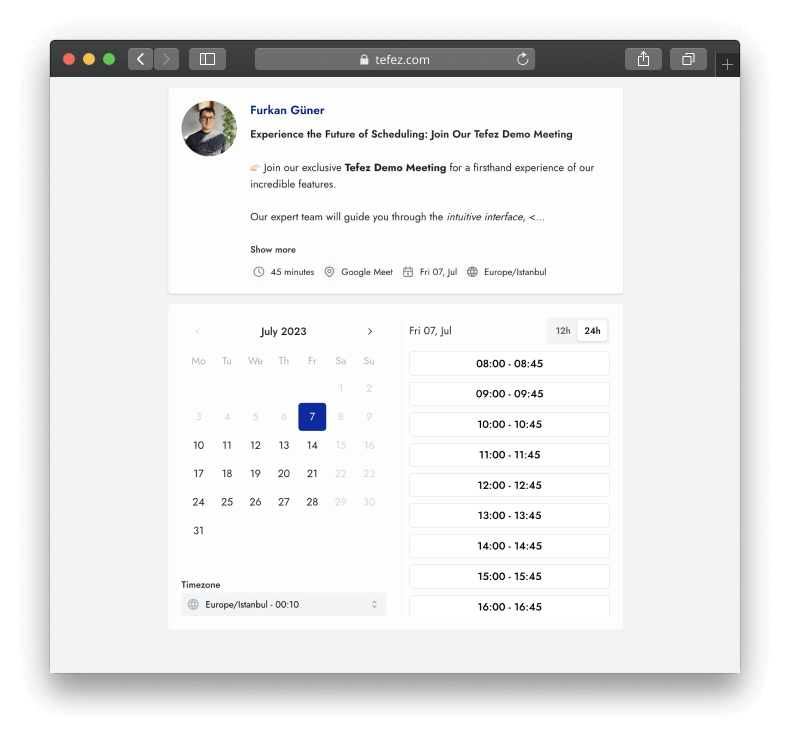
Default
A neutral light layout that keeps the booking details visually quiet.
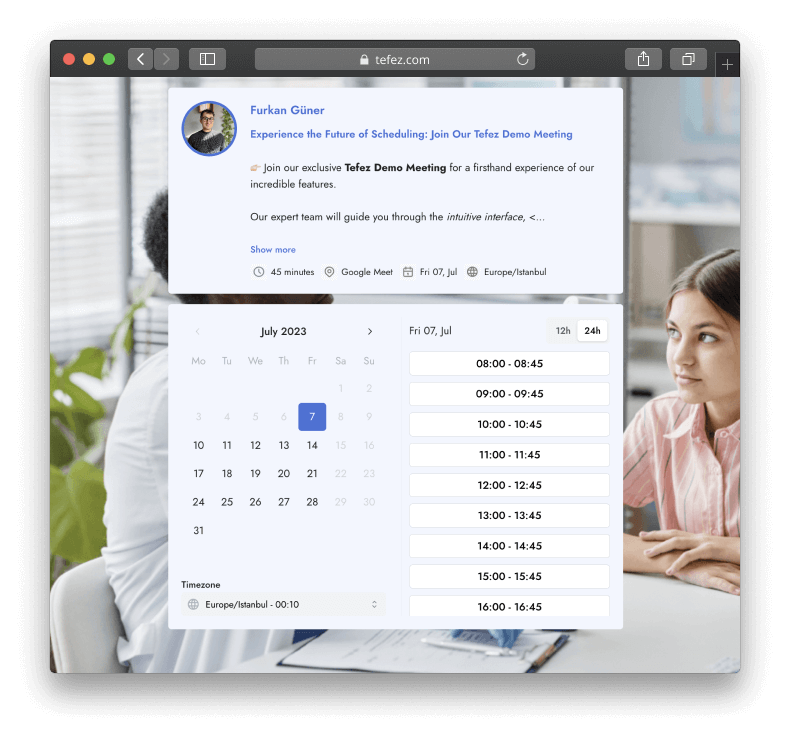
Health
A soft blue visual treatment with a health-oriented background image.
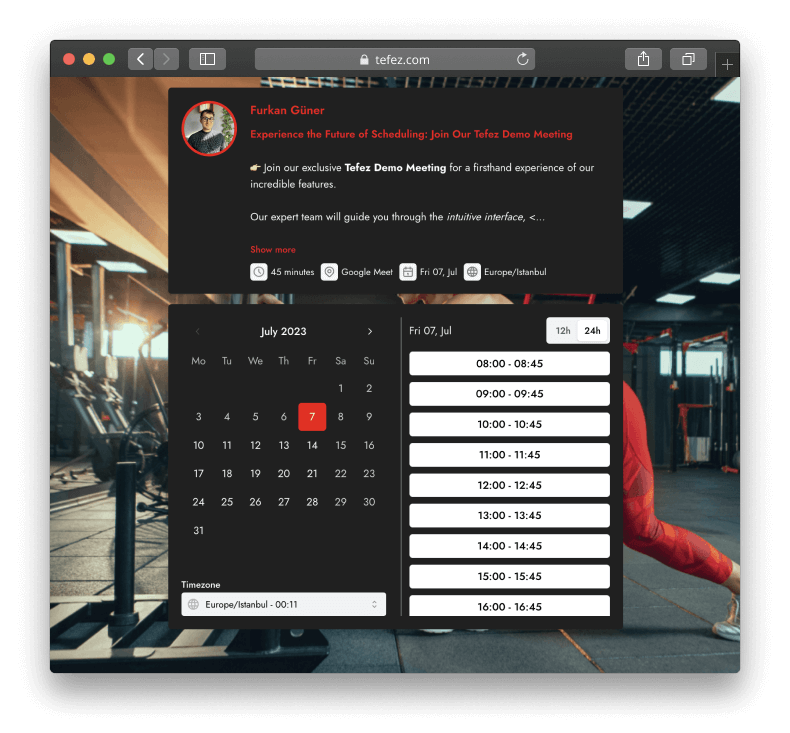
Fitness
A dark, high-contrast presentation with a red action color.
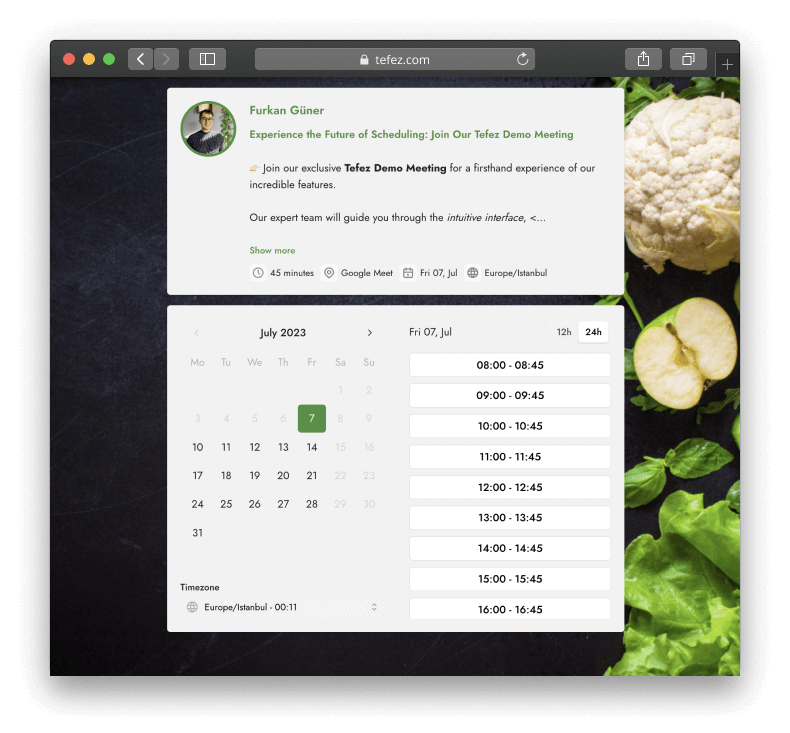
Nutrition
A light booking surface paired with natural green accents.
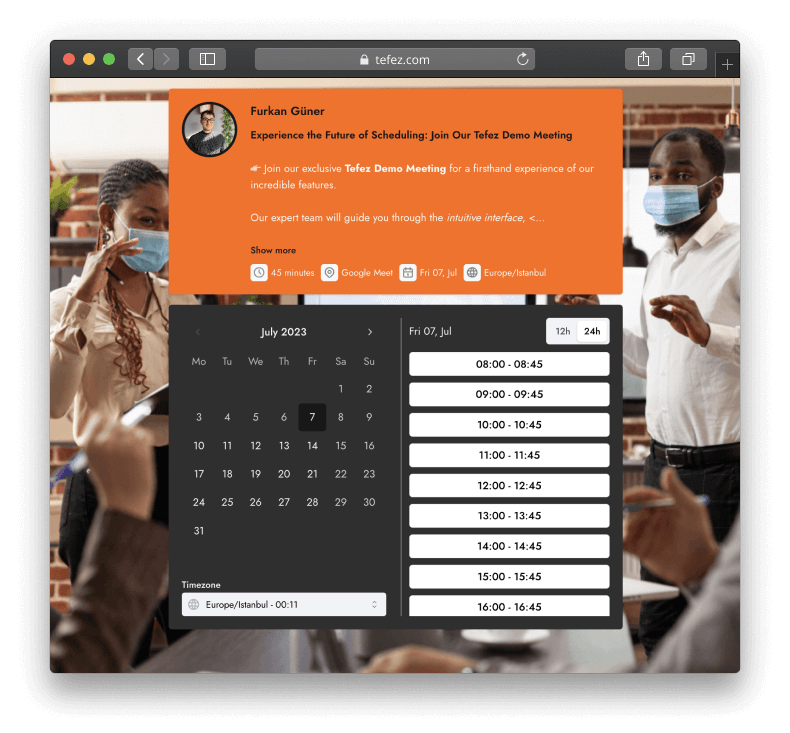
Sales
A dark content surface with a bright orange cover and action treatment.
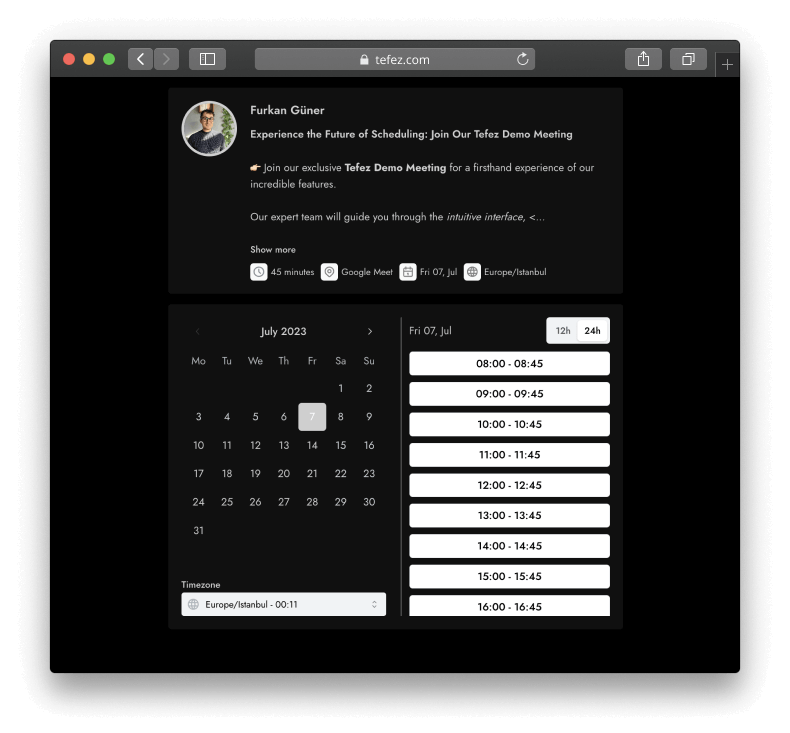
Consulting
A restrained black and gray theme for a minimal professional page.
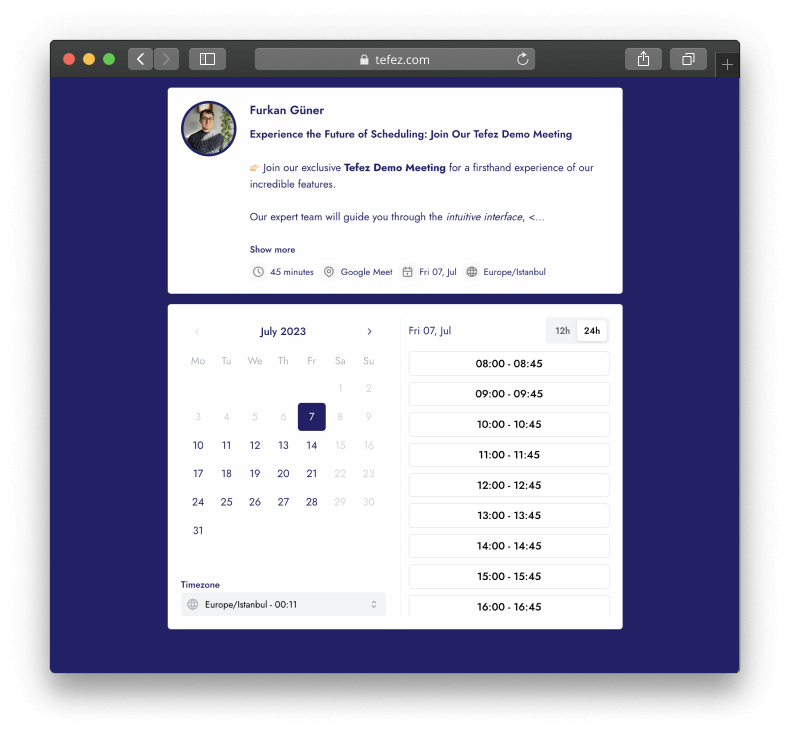
Recruiting
A white content surface with a deep indigo page and text system.
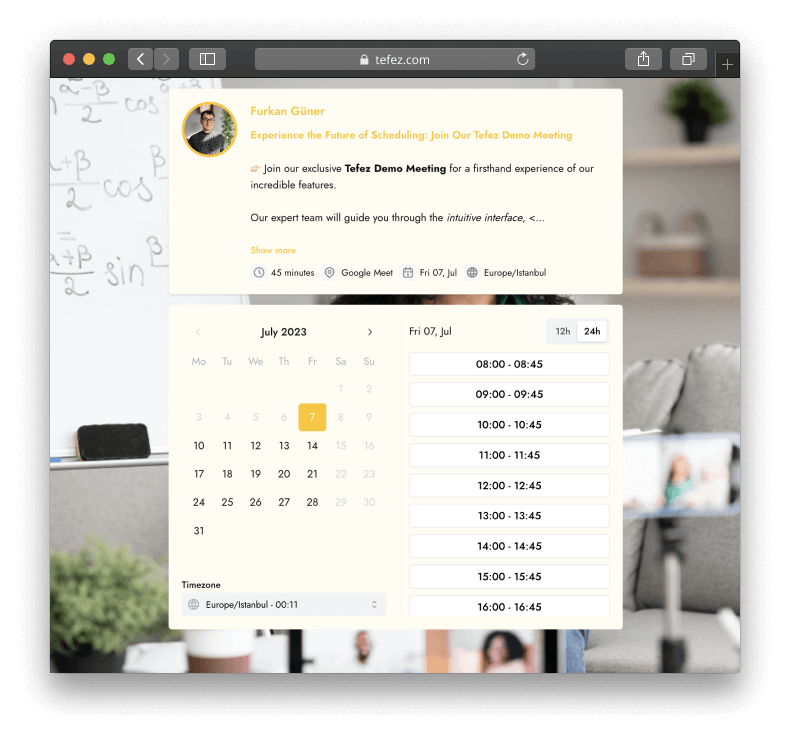
Education
A warm light surface with yellow accents and an education background.
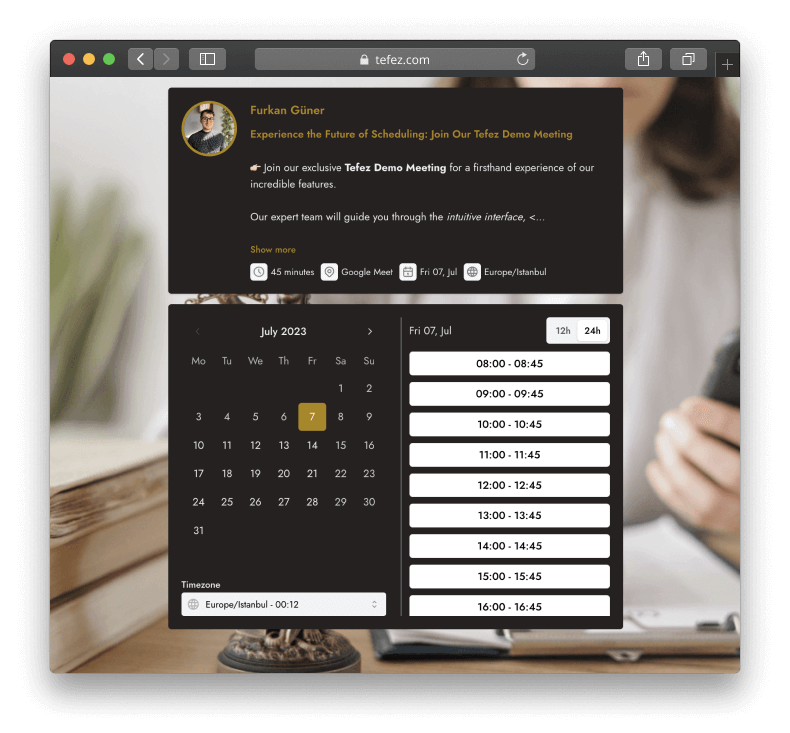
Legal
A dark brown content treatment with muted gold accents.
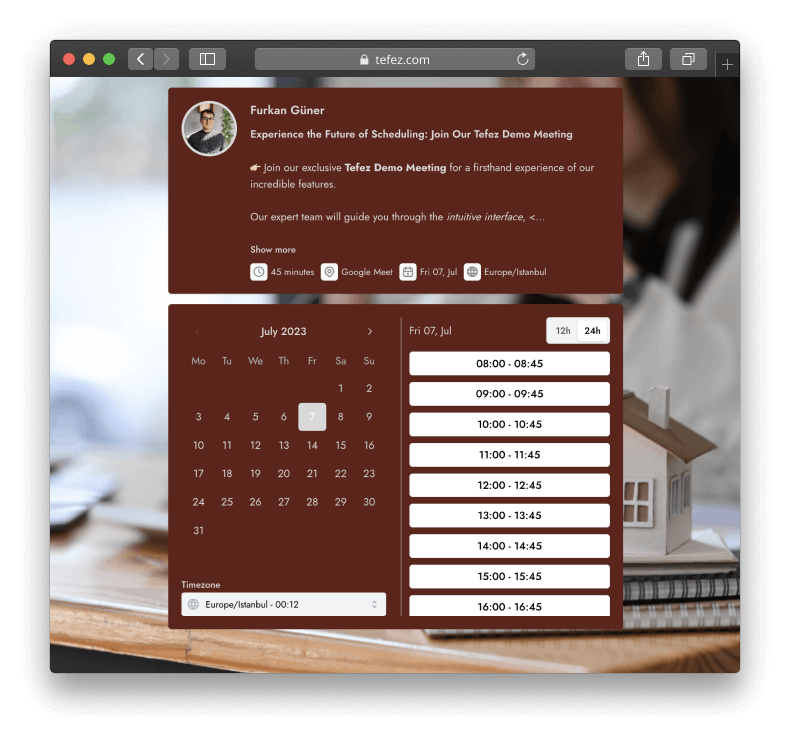
Real Estate
A deep red content surface paired with a property-oriented background.
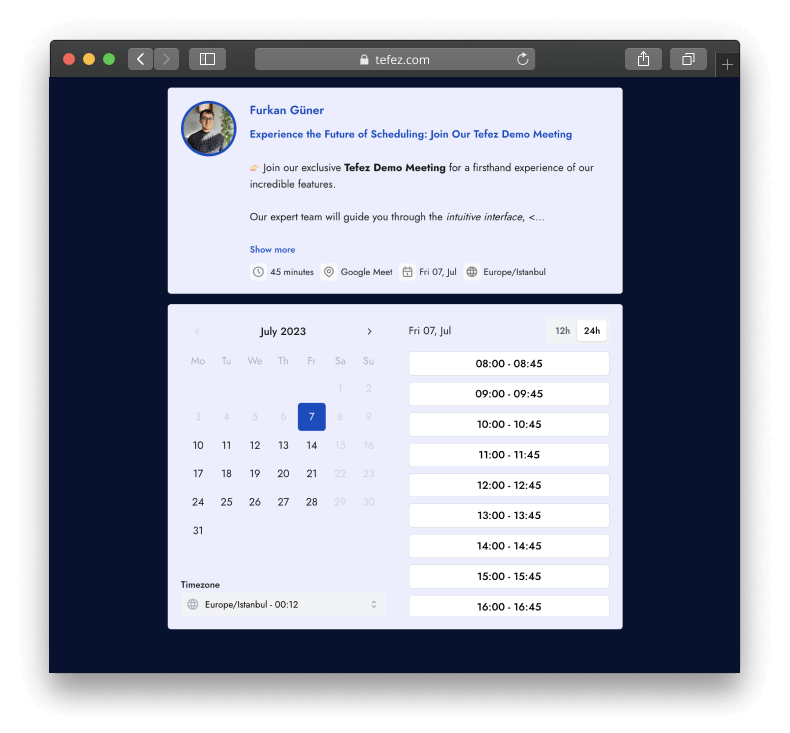
Mentoring
A light lavender content area on a dark blue page.
Final check
Review the page as the person booking it.
- The event purpose and duration are clear.
- The page is readable on a phone.
- A test booking produces the details you expect.
Free during early access